Invoices, payments & reminders

Invoices write themselves. Payments come in by themselves.

Every booking turns into an invoice on your letterhead – automatically as a draft and as a ZUGFeRD e-invoice if you wish. Direct debits go to your bank as a combined SEPA file, overdue invoices are chased with one click, and your tax adviser gets the DATEV export. The money lands straight in your account – with 0 % commission.

  • 0 % commission on every payment
  • No payment service provider needed
  • Invoice PDF in every plan
  • ZUGFeRD e-invoice from Plus
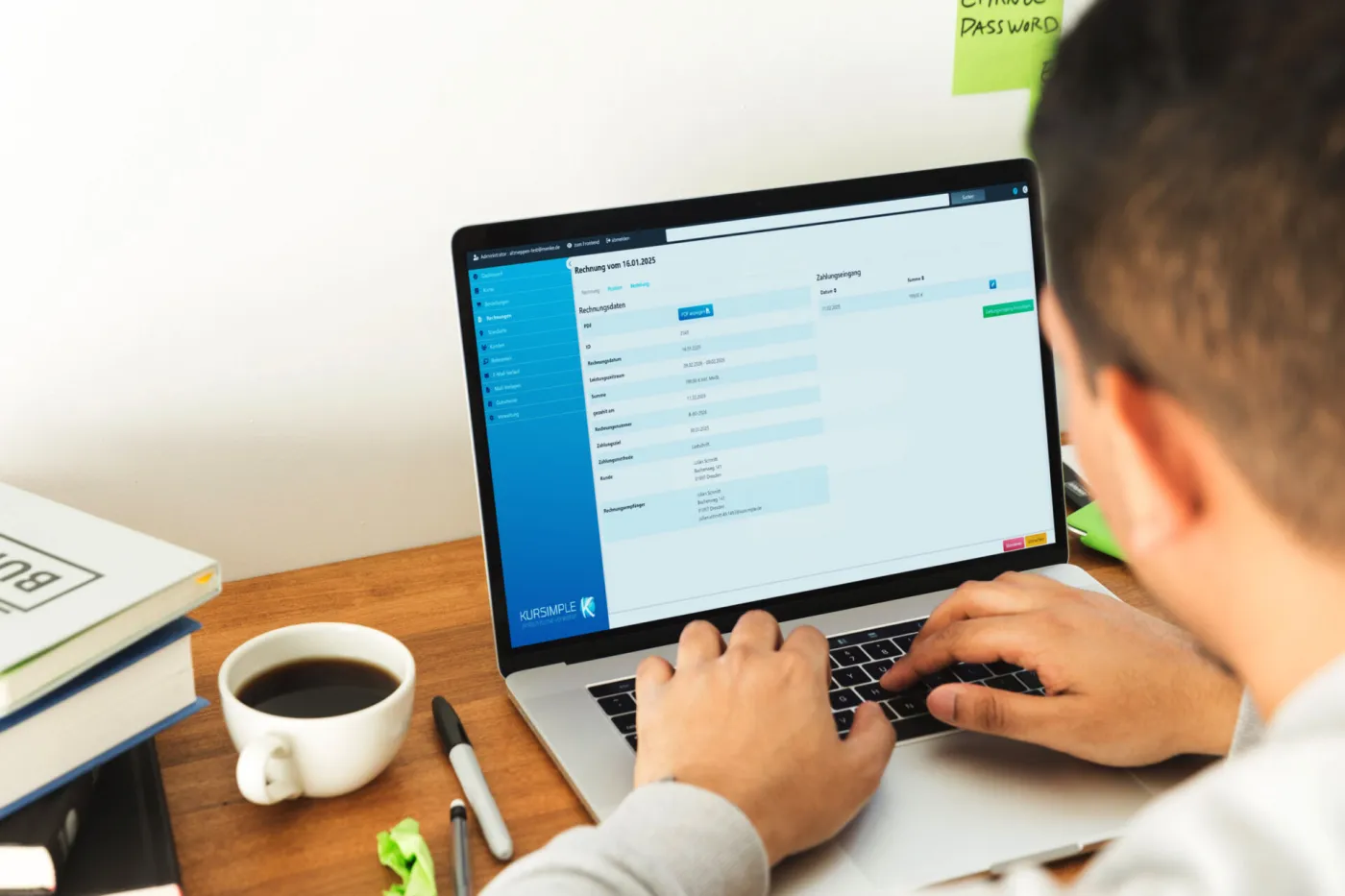
A person at a laptop with an invoice open in Kursimple, a cup of coffee beside it
Payment methods

Six payment methods, and the money goes straight to you

You choose which payment methods to offer – we switch them on for you. Kursimple is not a payment service provider and takes no cut of any payment.

Invoice & bank transfer

An invoice with your own number range and payment term, as an e-invoice if you wish. Incoming payments are marked off with a click or imported.

all plans

SEPA direct debit

Mandate stored with the customer, pre-notification on the invoice, collective direct debit as a file for your bank – without a payment service provider.

from Plus

Cash

For registrations on site or over the phone – with an invoice and the payment recorded in Kursimple.

all plans

PayPal

Participants pay while booking, the money goes straight into your own PayPal account.

all plans
New

pmPayment

E-payment for public authorities via GovConnect: participants pay while booking, the confirmation only goes out once the payment has arrived.

Pro
New

Mollie

Pay online while booking, through your own Mollie account.

Pro
How it works

From the booking to the money in your account

Steps you still do by hand today. Kursimple handles them in the background – and you can see at any time where every invoice stands.

Invoices

Every booking becomes an invoice

If you wish, the invoice is created as a draft at the moment of booking – numbered consecutively from your own number range. You check it, finalise it and send it; once finalised it is locked. Or you bill a whole course in one go.

  • Your letterhead, your logo: a letterhead PDF as the background, with adjustable margins.
  • A number range with prefix and suffix, VAT at 19 / 7 / 0 %, service period and payment term (14 days by default) – Kursimple works out the due date.
  • Billing per course: create, finalise and email all invoices for a course at once – plus a collected PDF for your records.
  • Cancellation invoices and credit notes are created automatically when a booking is cancelled in full or in part.
E-invoice with ZUGFeRD New

Every invoice as an e-invoice too – ready for the accounts

On request every invoice is created as a ZUGFeRD e-invoice: a PDF your customers read as usual, with embedded invoice data that accounting software picks up directly. For invoices to businesses, e-invoicing is becoming mandatory in Germany step by step – with Kursimple you are prepared.

  • To the standard: ZUGFeRD 2.5.2 in the EN 16931 profile, as PDF/A-3 with embedded XML.
  • Checked before dispatch: if something is missing, Kursimple tells you what to add – instead of sending a faulty invoice.
  • Archived unchanged: every e-invoice is created once. Every download and every resend delivers exactly that file.
  • On every route: single and bulk sending, credit notes referring to the original invoice, reminders, subscription invoices and export.
SEPA direct debit

Direct debits collected for the bank – without a payment provider

Participants enter their bank details while booking or in the customer portal, and the mandate is stored with the customer. You export the direct debits as SEPA XML (pain.008) – for all new invoices or per course – and upload the file to your bank. Done. No detour through a provider, no fee per booking.

  • Store your creditor ID, document the mandate with the customer – the mandate reference is the customer number.
  • SEPA XML individually or collected Until collection the invoice reads “direct debit pending”.
  • A SEPA file per course – all or selected direct debits of a course, for example at the start of term.
  • Take the IBAN from the customer record – and on request our team checks all stored IBANs before a direct debit bounces.
Payments & reminders

Open invoices in view, a reminder with one click

You see at a glance who has paid, who has paid in part and who has not paid at all. Part payments are recorded in the “pay invoice” dialogue and the payment history is kept. Overdue invoices are marked red. The reminder goes out with one click as a PDF and an email, Kursimple counts the reminder level – and sends the first reminder automatically if you want.

  • A reminder with one click with a PDF and an email, payment deadline and reminder level as placeholders – the first reminder automatically if you wish.
  • Payment status filter: open, partly, fully or overpaid – overdue invoices are marked red.
  • Payment status import via CSV: upload invoice number;status and many invoices switch to “paid” at once.
  • Four payment methods: invoice/bank transfer, SEPA direct debit, cash and PayPal – you decide which ones you offer.
Accounting & reporting

DATEV for your tax adviser, figures for you

Posting batches and customer master data in DATEV format, with account, contra account and tax key. Plus revenue for the past twelve months, participants by postcode and age and CSV exports if you want to do the maths yourself.

  • DATEV export as a posting batch and customer master data (debtors) – you set the account and contra account yourself.
  • Vouchers with rules: value or percentage, validity, maximum redemptions, minimum order value, tied to a course, date, category or course type – with statistics.
  • Member vouchersNew can only be redeemed by customers flagged as members.
  • A dashboard with 5 charts for the past 7 days, plus statistics on order, invoice and payment revenue over the past 12 months incl. VAT.
Statistics Administration
Revenue, first half-year51.380 €01.01.–30.06.2026
Revenue, second half-year140.107 €▲ against last year
  • Participants by townMeppen 114 · Haren 15
  • Participants by age6–9 yrs 120 · 10–13 yrs 86
Export as CSVDATEV
Even more options

What else invoices & payments can do

Small features that save time every month. All part of the plan, no modules, no extra fees.

An invoice at the moment of bookingOn request Kursimple creates the invoice as a draft right at the booking – you finalise and send it with one click.
A copy of the invoice to youEvery invoice goes to your address as a copy – with the invoice number in the subject, so you find it at once.
Material costs as a separate itemPaints, handouts or rental instruments appear separately on the invoice, charged per participant.
Part invoiceAn invoice covering only selected items of an order – the course fee now and the materials later, for instance.
Pre-notification includedThe invoice text for direct debits announces the collection – with amount, due date and a masked IBAN.
A payment history per invoiceEvery part payment or overpayment with a date and an amount – traceable for you and your tax adviser.
CSV exportsCustomers, participants, attendance and statistics as CSV – for a spreadsheet or your own analysis.
Participants by postcode & ageCourse statistics per year: who books from where, and which age group is still missing from your programme?
Credit note on cancellation & withdrawalIn full or per participant – the credit note is created automatically, with its own number and a reference to the original invoice.
Membership dues NewRecurring dues with a billing rhythm of your choice, billed automatically or at the push of a button, direct debits as a SEPA file. More about club management
Frequently asked

What course providers ask about invoices and payments

Do I need a payment service provider?

No. Invoice/bank transfer, SEPA direct debit and cash run straight through your own account. You upload the SEPA file in your online banking, the money comes to you without a detour – and we take no commission. You can offer PayPal in addition – then the fees of your own PayPal account apply.

Does this work with my tax adviser?

Yes. You export the posting batch and the customer master data in DATEV format, with account, contra account and tax key. Invoices are numbered consecutively and locked once finalised, and credit notes refer to the original invoice.

Can Kursimple write e-invoices?

Yes. On request Kursimple creates invoices and credit notes as ZUGFeRD 2.5.2 e-invoices in the EN 16931 profile – as PDF/A-3 that people read and accounting software imports. You enter your tax number or VAT ID once and we switch e-invoicing on for you. Whether and from when it is mandatory for you is best clarified with your tax adviser – many educational services are exempt from VAT.

Which plan includes this?

Invoices as PDFs with automatic confirmation come with Start (€19). ZUGFeRD e-invoicing, SEPA direct debit, reminders, part payments, vouchers, the statistics kit and the DATEV export are included from Plus (€49). In every plan: 0 % commission, €0 set-up, cancel monthly.

No more invoicing at the weekend.

In 30 minutes we will show you how invoicing, SEPA and reminders work with your real course programme. Or set up your own test system in 30 seconds.

Questions? +49 5931 990 99 10 · Mon–Thu 8:30–17:30, Fri 8:00–14:00 (CET)
Try it free