
We keep building – this is what is new in Kursimple.
Kursimple is developed continuously, much of it at our customers' request. We deploy new features at no extra cost; which plan a feature belongs to is noted with each entry.
November 2026
E-learning: online training with exam and certificate
A new module turns Kursimple into a learning platform as well. You build the training yourself: sections and steps with text, images, audio, video, slides and questions that branch depending on the answer. A section can be an exam – with a pass mark, attempts, a time limit and questions drawn at random from a pool. Free-text answers you grade yourself, retakes you release, and at the end there is a certificate with an expiry date. The training is booked like any other course; your own staff you invite without an order. The reporting shows progress, pass rate and every single answer. Pro plan. More about e-learning
Membership agreements: Kursimple becomes club management
Memberships with a monthly fee and a billing rhythm of your choice – monthly, quarterly, yearly or up to 24 months – plus one-off fees, surcharges and discounts per member and an individual payment method. Dues invoices are created automatically or at the push of a button, and direct debits go to the bank as a SEPA file. For the annual general meeting there is a member list, a signature list and an email to all members. Pro plan. More about club management
Letters from Kursimple
Not everything works by email. Now you write letters straight from the customer list, from a record, from the participants of a course or from the instructor list – on your own letterhead. The position of the address, the info block and the footer you set once to DIN 5008, with guides, an envelope window preview and a test print. Placeholders such as {firstname} are replaced per recipient, frequent letters you store as templates, and at the end there is a collected PDF for the printer. From the Plus plan.
Languages and your own wording
The back office and the booking portal now speak German and English; when you offer more than one language, a language switch appears. Further languages – French, Spanish, Italian, Turkish, Polish and Ukrainian – can be enabled, missing texts are translated by Kursimple at the touch of a button and released by you. On top of that you decide what things are called in your organisation: “trainer” instead of “instructor”, “workshop” instead of “course” – with plural, article and inflection, so the sentences still read properly. From the Plus plan.
ZUGFeRD e-invoicing
On request Kursimple creates invoices and credit notes as ZUGFeRD 2.5.2 e-invoices in the EN 16931 profile: a PDF/A-3 that your customers read as usual, with embedded invoice data for the accounts. Every e-invoice is checked before dispatch and archived unchanged – credit notes, reminders and subscription invoices included. From the Plus plan. More about e-invoicing
Moving people to another waiting list
If you offer an additional date, you take the people waiting across in a few clicks – without entering anything again and without anyone losing the time of their registration. If the same person appears twice on a date, a badge shows the duplicate registration and the checkout refuses a second booking. From the Plus plan. More about courses & dates
Anonymising after the deletion date
A menu entry of its own, “data protection”, lists customers, participants and instructors whose deletion date has been reached. You anonymise them or move the date. Anyone with a running booking or an open invoice is not anonymised; invoices, orders and statistics remain. In all plans. More about participant management
Follow-up forms with versions
You can now send a follow-up form again even when it has already been filled in. Every change becomes a new version and the earlier ones stay readable. Pro plan.
New designs for the course website
For three more providers we have designed the course website in the look of their own site – with the same header, footer, colours and fonts. We build a design of your own for you in the Pro plan from a 12-month term. More about website & marketing
Smaller improvements
- Statistics templates can be limited to selected course types.
- Date fields understand short forms such as 1.1.30 or 01012030; the calendar now only opens through the icon.
- At checkout, “already a customer? Sign in” goes through the central login and then back into the checkout with the cart intact.
- Your own pages can have a full-width header image. More about the website builder
- The course page shows a box “course leaders” with the instructors of that date.
- Course cards and the filter by course leader can be switched on and off per provider, as can the course number on the cards.
- If you only want to show courses online rather than take bookings, you switch booking off in the portal – the course list stays.
- As in a class book, you record notes on individual course days, such as the topic or a piece of equipment that failed.
- “My account” is now open to staff members too, and when merging two records that each have a login, Kursimple points out duplicate participants.
- Signing in runs exclusively through the central user management – there is no second password in Kursimple any more.
October 2026
The Kursimple network
For family centres, networks and associations: a centre and independent course leaders offer their courses on one shared page. Participants book in a single checkout, every course leader gets their own order and invoice, and only the course leader sees their customers. The centre sets up the shared rooms once, and double bookings are blocked. Pro plan. More about the Kursimple network
Subscription model with recurring dates
A subscription course gets a recurring date with a rule instead of one date per period – several groups on different days are possible too. Participants choose at checkout when they join; billing runs automatically per period or course day, pro rata if you wish, by invoice or direct debit. Pro plan. More about courses & dates
Course bundles
Dates that are only booked together you combine into a bundle. The price is the sum of the dates, participants are entered once, and cart, checkout and administration treat the bundle as one unit. Pro plan.
Course day planner
You now plan course days in one step: one-off, daily, weekly on several weekdays or monthly, ending after a number or on a date, with holidays as days off. The list of course days updates immediately; individual days you adjust or leave out. In all plans.
Calendar view of the courses
On request your course website shows all courses in a monthly calendar. Hovering over an entry brings up the course card; a click leads to the booking. In all plans. More about online registration
Extra fields and questions during booking
Your own fields for customers and participants – text field, selection or checkbox – are maintained in the record and, if you want, asked at checkout, optional or required and per course category. Customers add their details under “my account”, and on the participant list they are there for the course leader. From the Plus plan.
Customer import from lists
You upload customer lists from your previous system as a CSV file, map the columns freely and save the mapping for next time. A dry run shows errors and customers who already exist; only what you tick is imported. Pro plan.
Statistics kit
Put your own statistics together: one row per date, single day, attendance or order, your columns, a period that moves along, and if you wish a report with groups and totals. Excel opens the file as a finished table. From the Plus plan.
Terms of participation with versions
You maintain your terms of participation and cancellation terms in Kursimple. Every change is a new version; acceptance is required at checkout, and every order records which version was accepted and when. Pro plan.
Bulk sending with a pause
Many mail providers limit how many messages a mailbox may send in a short time. When your mailbox reaches the limit, sending pauses and then continues by itself. The sending status shows who already has the message; failed ones you resend with a click, without anybody getting an email twice. Pro plan.
Smaller improvements
- Column filters in the course tabs “bookings” and “participants”.
- Before a second SEPA file, Kursimple asks and lets you choose the invoices.
- When deleting an instructor you remove them from their dates or replace them with someone else.
- With no courses available, the course website shows a notice instead of an empty list.
September 2026
PayPal at checkout
Your participants can pay with PayPal when booking online. The money goes straight into your own PayPal account; only its fees apply, and Kursimple takes no cut of the payment. In all plans. More about online registration
Help right inside the software
More than 1,600 help texts explain pages, buttons and fields right where you are working – written for anyone using Kursimple for the first time. The texts are also published in the manual.
Mail builder
Mail templates, single and serial messages can be designed by drag and drop: with layout templates for a quick start, blocks for text, image, button and table, image upload and a searchable placeholder list. The classic editor remains available alongside. From the Plus plan. More about email & marketing
Serial mail and export by filter
Once you have filtered the customer list, serial mail and export go to exactly that selection. If you mark the message as a newsletter, it only goes to customers who have consented – and you see at once how many that is.
Technically up to date
Kursimple now runs on PHP 8.5 and Symfony 7.4 LTS. Automated tests and static code analysis check every change. More about technology and security
Smaller improvements
- Placeholders for the link to the withdrawal form and for the withdrawal policy, usable in every mail template.
- Placeholders are inserted with a click at the position of the cursor.
- Queued bulk sends can be discarded; recipients whose delivery failed are marked in the email history.
- The SEPA export in the course view takes only the selected rows if you want.
- Search filters survive the sorting of lists.
- We set the default sorting of the course list on your website as you prefer.
August 2026
Bulk sending with approval
Before it starts you see the complete recipient list. Only once you approve does the sending run in the background – and you can stop it at any time. At the end you see how many messages went out and which ones failed. From the Plus plan.
Free choice of dates on the phone too
One-to-one lessons and consultations can now be booked straight into a free slot in the order screen as well – for everyone who would rather call than book online. From the Plus plan. More about courses & dates
Your own pages for the course website
With the CMS you create your own pages such as “about us” or “how to find us” and design the hero area of your course website's home page yourself. Pro plan.
Column filters in the important lists
Customers, participants, instructors, email history, newsletter and bulk sends can be filtered by individual columns. In the customer list the filter survives paging.
Smaller improvements
- Subscription courses show the terms and the notice period on the course page before anyone books.
- Follow-up forms: sort and edit fields, a note in the course and order views, resending with a click.
- The withdrawal form matches the details against the order and is better protected against spam.
- If a server error occurs, a readable notice page appears and our team is notified automatically.
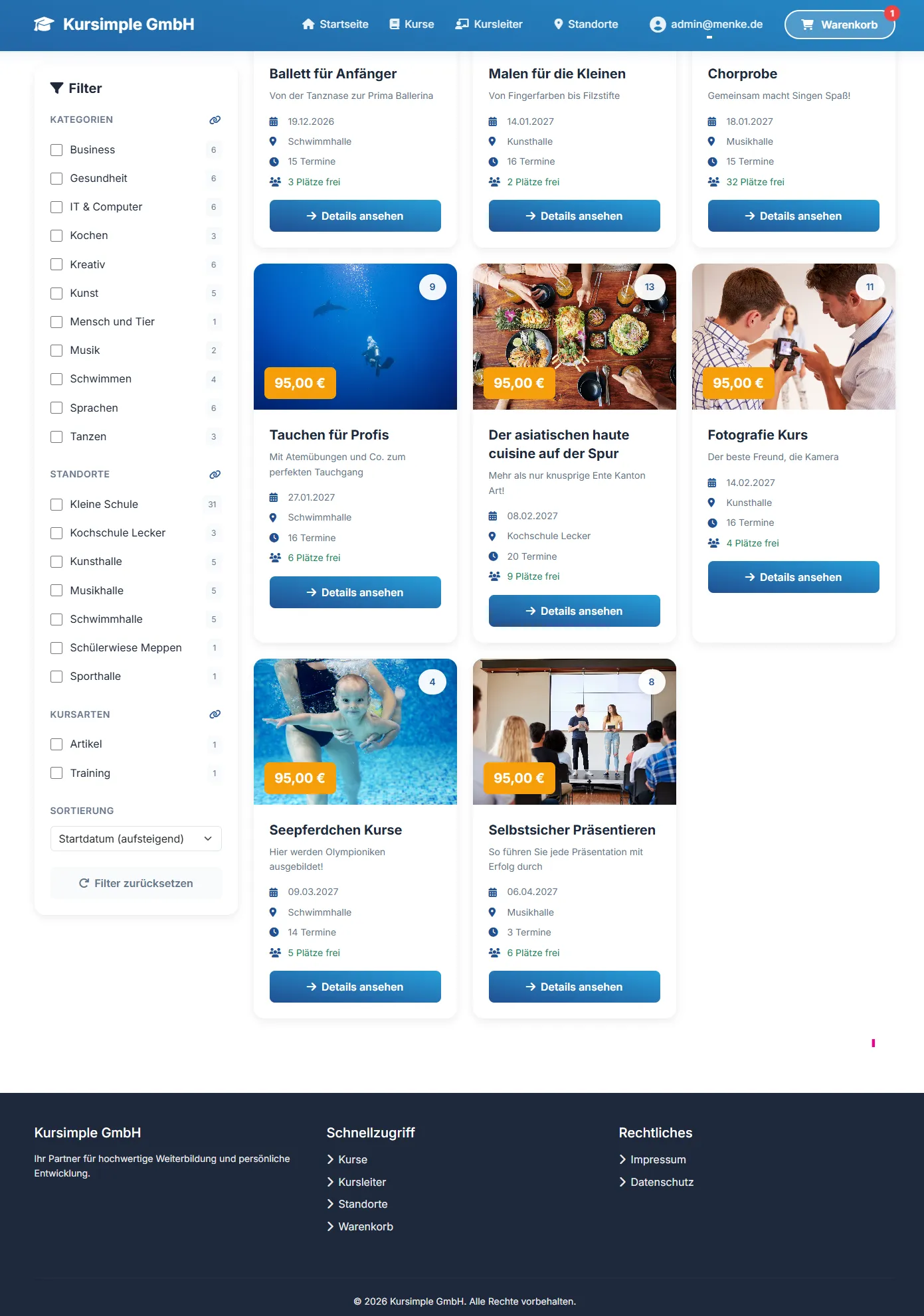
- The “modern” design for the course website has been reworked, with icons for the course categories.
Would you like a feature? Write to us – many of the additions above started as customer requests.
Rather see it than read about it?
In 30 minutes we will show you Kursimple with your own course programme. Or set up your own test system in 30 seconds – both free and without obligation.
Questions? +49 5931 990 99 10 · Mon–Thu 8:30–17:30, Fri 8:00–14:00 (CET)