
Your whole website. Not just the course list.
“About us”, “How to find us”, “Our team”, “Holiday programme”: the pages that belong with your course programme you build yourself – with blocks you drag into place. No HTML, no agency, no waiting. And the blocks already know your data: address, contact details, venues, a map and buttons into the course programme come pre-filled.
- Blocks by drag and drop
- Ready-made page templates
- In the design of your portal
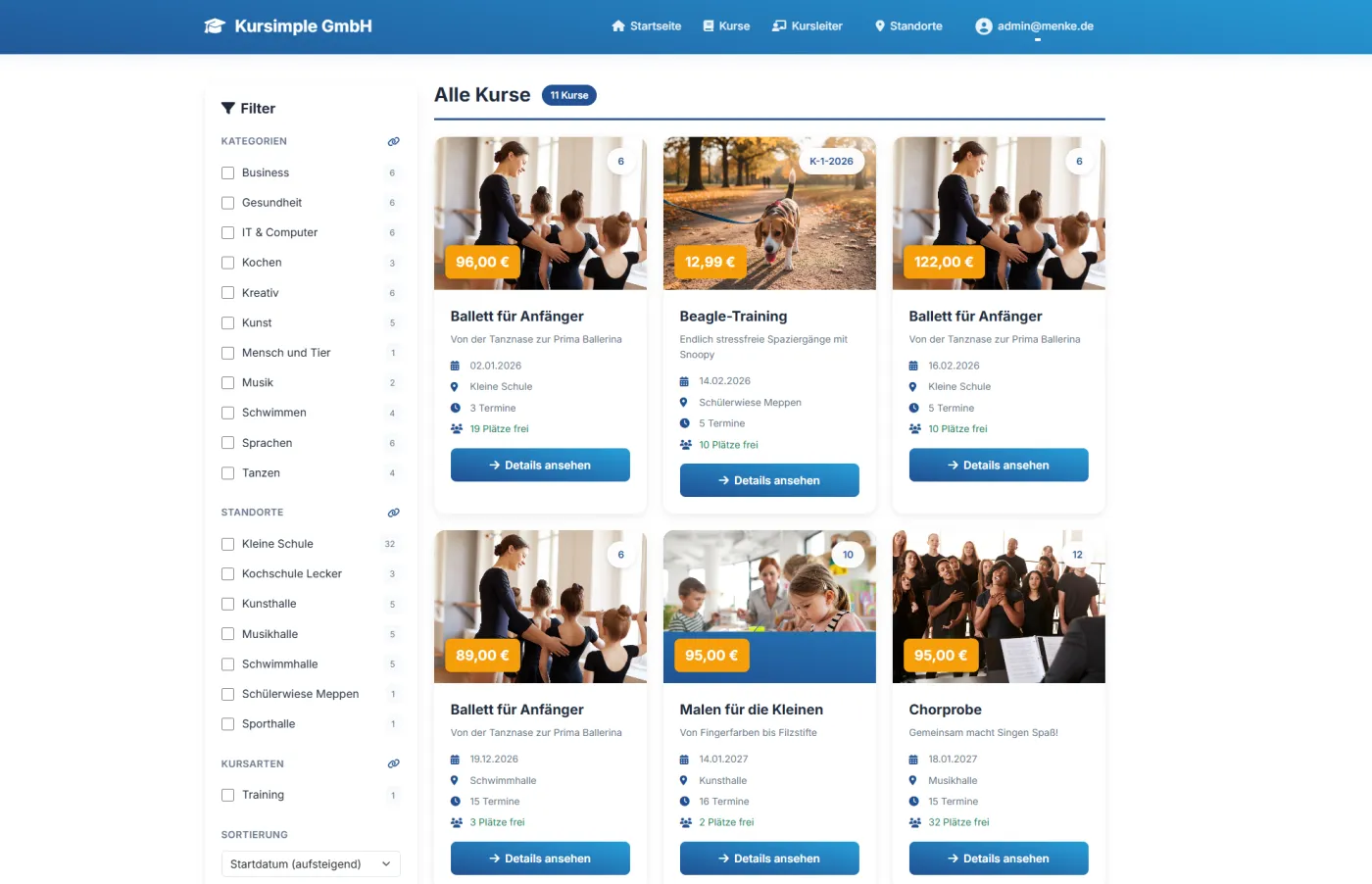
Create a page
Title, address, place in the menu – or load a ready-made layout template straight away.
Drag in blocks
Hero, text with image, tiles, gallery, team, map, video – in any order.
Add pictures
Upload, crop, choose an aspect ratio – the image editor guides you through.
Switch it live
Check the preview, tick “active”, done – the page appears in your portal menu.
From a blank page to a finished one – in a morning
The builder sits inside your course management, not in some separate program. That is why the canvas looks like your website, and everything Kursimple already knows about you is there to use.
Your menu is a list you can sort
All pages sit beneath each other as a tree, with sub-pages indented under their parent. To reorder, grab a page by its handle and drag it – up, down or underneath another page. It is saved immediately.
- Main menu, footer or both – you decide per page where it appears.
- Menu entries without a page of their own group several sub-pages into a drop-down.
- Its own address per page: “directions” becomes /page/directions – readable for visitors and for search engines.
- Prepare in peace: as long as the “active” box is unticked, nobody sees the page but you.
Drag a block, select it, set it – that is all there is to it
The blocks are on the left, your page in the design of your portal in the middle, the settings of the selected element on the right. You see how it will look while you build – no switching between editing and viewing.
- Content: hero, text with image, columns, tiles, quote, bullet list, table, question & answer, notice box.
- Pictures & videos: image with a caption, gallery, banner, carousel, team grid and video.
- Basic elements for free-form design: empty columns, text, image, video, map.
- Preview, full screen, undo – and, for emergencies, “show HTML” and “import HTML”.
Address, map, course programme – already filled in
The difference from an ordinary website builder: Kursimple knows who you are and what you offer. The blocks in the “Kursimple” group pull their content from your provider profile – you only drag them into place.
- Address, contact details and legal notice from your provider profile – change the phone number and it changes everywhere.
- Venues and a map with your rooms – without you looking up any coordinates.
- Buttons into the course programme: to the course list, to the calendar or straight into a category.
- A header image per page across the full width – a wide picture of about 1920 × 500 pixels works well.
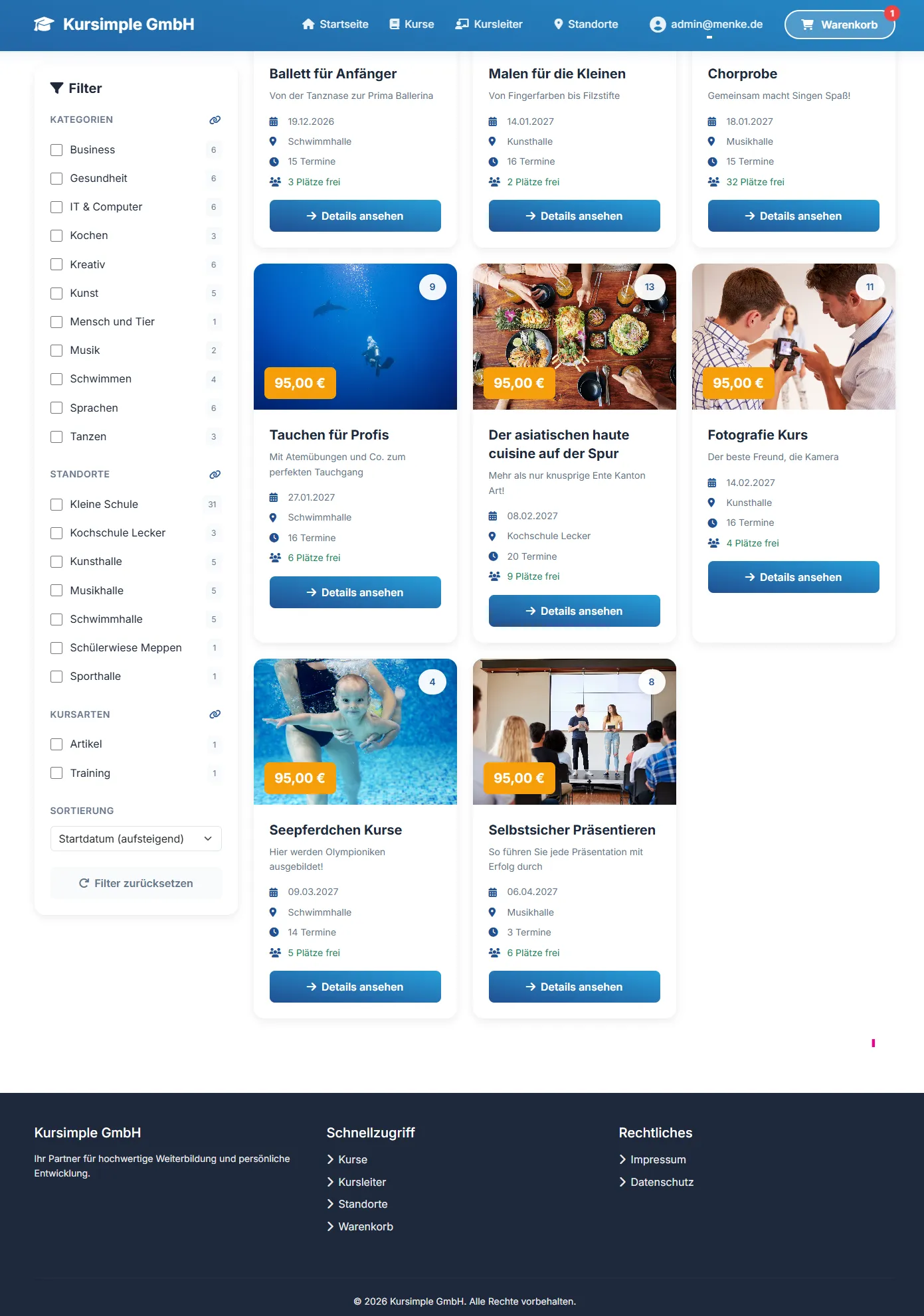
Upload, crop, done – without an image editing program
A double click on a picture opens the image library. Every new picture goes through the image editor first: crop, choose an aspect ratio, rotate, set the target size. After that it is available for all pages and for your emails.
- Aspect ratios at the touch of a button: 16:9 for banners, 1:1 for team photos – everything stays consistent.
- Gallery and carousel: several pictures in one block; in the portal the carousel moves on by itself.
- Videos from YouTube or Vimeo: insert the block, enter the provider and the video ID – that is all it takes.
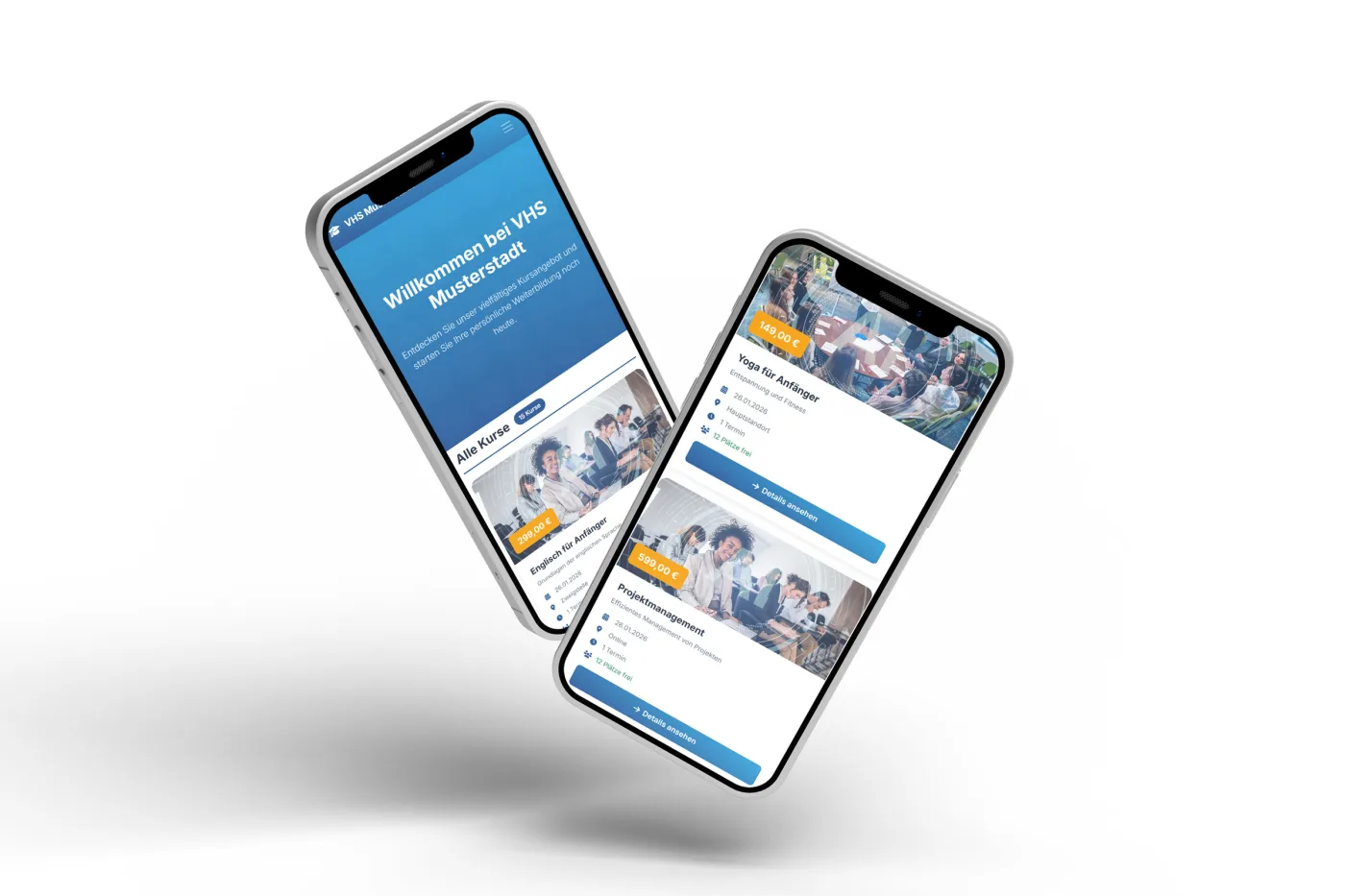
- On a phone it looks as planned – the blocks reflow by themselves on a small screen.
You never start from nothing
Behind the first icon at the top are finished pages to take over. You load a template, swap the text and pictures and you are done – instead of sitting in front of an empty canvas wondering what belongs on an “about us” page.
- Home, about us, directions, contact – the four almost everybody needs.
- Photo gallery, team, event, testimonials for everything that makes your organisation what it is.
- FAQ, terms and legal notice as a frame you only have to fill.
- Text blocks for fixed spots: a note in the shopping cart or a footer of your own – maintained per language.
What course providers build with it
Kursimple delivers the course programme anyway. The builder is for everything around it – for the pages that make visitors stay longer and trust you more.
What course providers ask about the builder
Do I still need a website of my own?
Many customers manage with the builder alone: course programme, about us, directions, contact and legal pages all in one place, under your domain. If you already have a website you like, it stays – then you only hook the course programme in, through a link, the REST API or an embedded course directory.
Does it not look off the peg?
The blocks take on the design of your portal – your colours, your typeface, your logo. If you want, you can have a design in the look of your existing website; we build that for you from a twelve-month term. The pages inside it you then build yourself.
Can I prepare a page without anyone seeing it?
Yes. Without the “active” tick the page cannot be reached and appears in no menu. That way you create the holiday programme weeks in advance and release it on the day.
What happens to the pictures I upload?
They sit in your image library on our servers in Germany and are then available for every page and for the mail builder. The image editor during upload makes sure they are stored in the right crop and not unnecessarily large – which keeps the site fast.
Can I bring existing content over?
Text and pictures yes – by copy and paste and through the image library. For advanced users there is “import HTML”; there is no automatic take-over of a whole external site. We help with the move and build the most important pages together with you.
Which plan includes the builder?
The Pro plan, together with your own domain. The course website itself – course list, filters, search, course pages and calendar – is part of every plan, including Start. To the pricing
Waiting for someone to change a page? Not any more.
In 30 minutes we will show you how to build your “about us” page – with your pictures and your words, live in the demo.
Questions? +49 5931 990 99 10 · Mon–Thu 8:30–17:30, Fri 8:00–14:00 (CET)